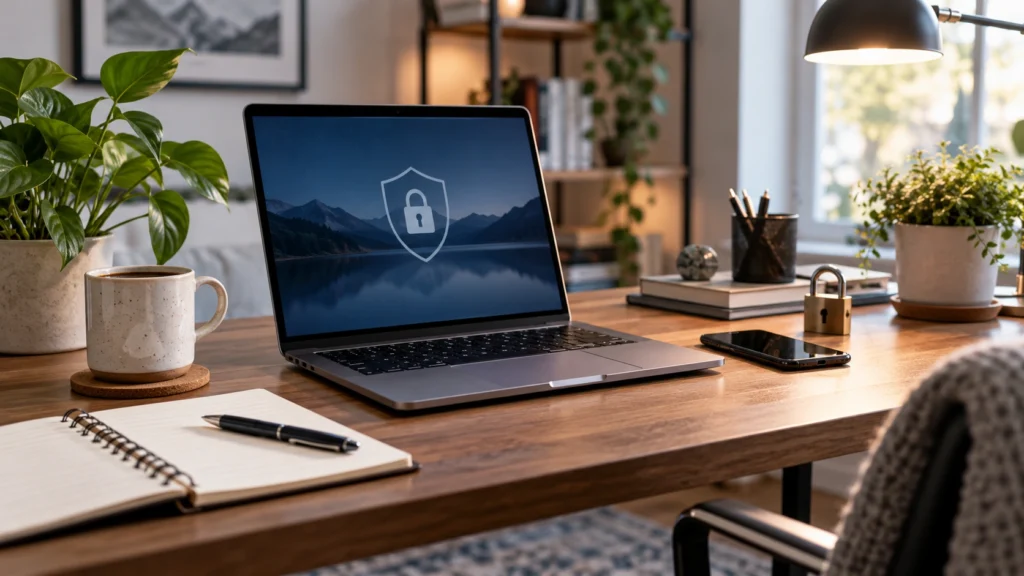
Is It Safe to Use Your Work Email on a Personal Computer?
Learn when it is safe to use work email on a personal computer and what security, compliance, and workflow issues you should consider first.
Read article →
THE INBOXCABIN BLOG
Product news and practical ideas for managing your email accounts.
Learn when it is safe to use work email on a personal computer and what security, compliance, and workflow issues you should consider first.
Read article →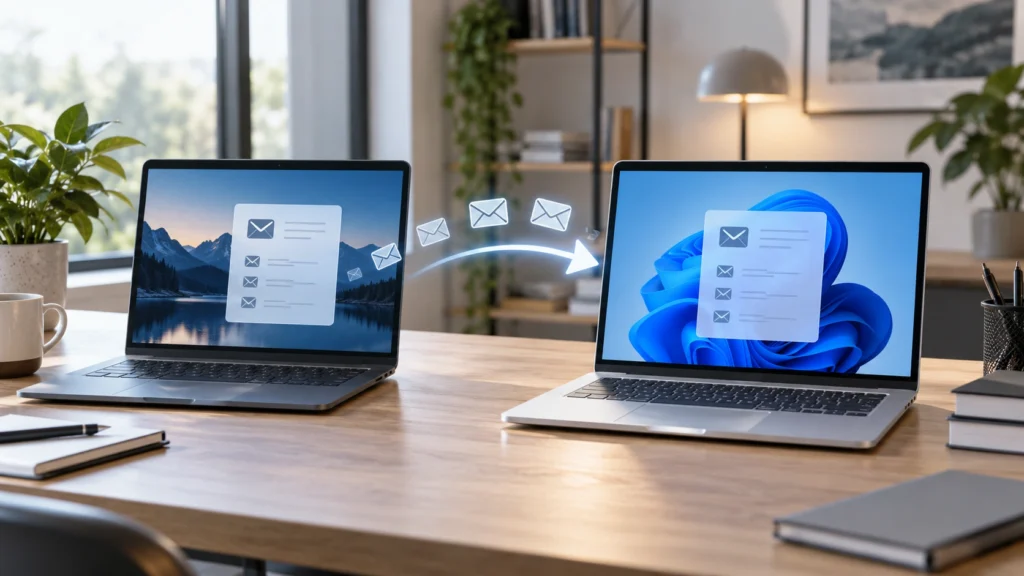
Use this checklist to move your email workspace to a new Windows computer without losing account structure, notifications, or shortcuts.
Read article →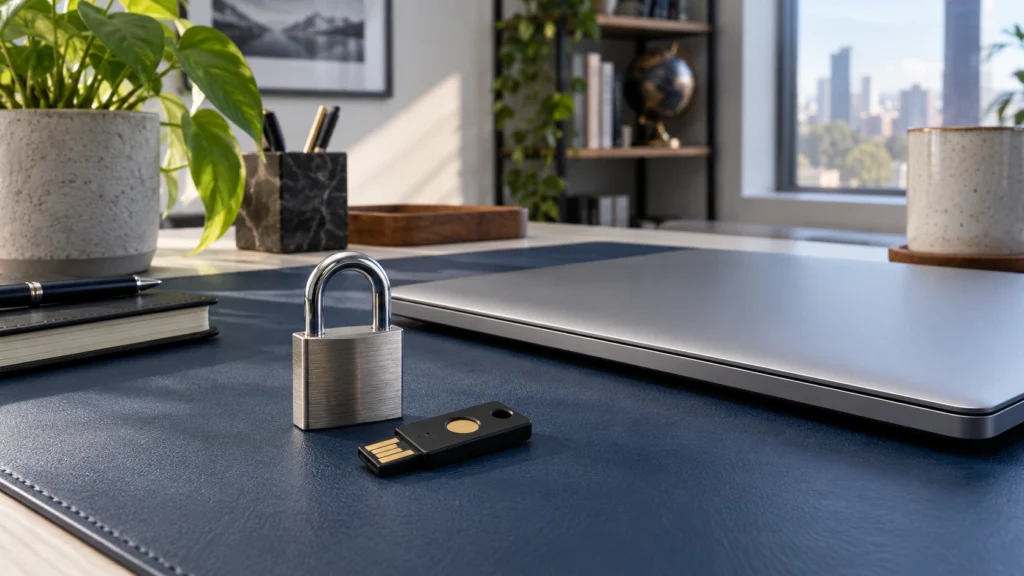
Learn the real risks of persistent Gmail and Outlook sessions and how screen locks, MFA, device security and account separation help protect you.
Read article →
A practical 15-minute email routine for busy entrepreneurs: scan urgent mail, respond, delegate, clear clutter and check multiple inboxes.
Read article →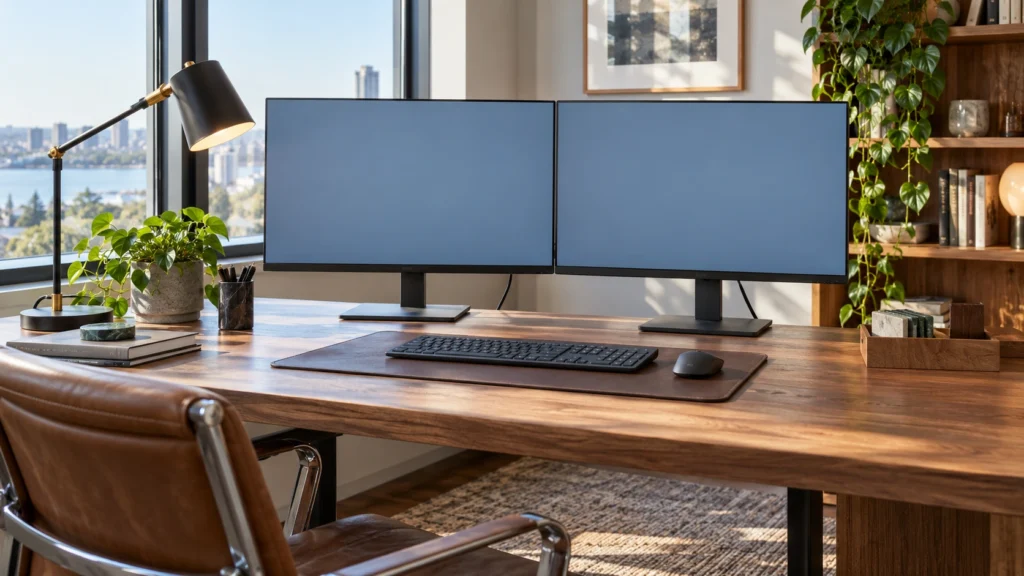
Build a calmer two-monitor workspace with email on one screen and focused work on the other. Includes practical Windows setup and inbox tips.
Read article →
Sending from the wrong Gmail or Outlook address is avoidable. Try practical sender checks, clear account labels and habits for multi-inbox users.
Read article →
Managing five or more inboxes? Learn how business owners organize Gmail and Outlook identities, check priorities and avoid constant switching.
Read article →
Too many browser tabs and email accounts? See how a dedicated email workspace can reduce clutter and make Gmail and Outlook easier to reach.
Read article →
Learn four practical ways to use Gmail and Outlook together on Windows, from browser tabs and profiles to a dedicated multi-inbox desktop app.
Read article →
Chrome profiles are free, but are they best for five inboxes? Compare browser profiles with dedicated Gmail and Outlook management on Windows.
Read article →