
Keep Email Downloads Organized Across Several Accounts
Download chaos happens when every inbox writes files into one [...]
Read article →
THE INBOXCABIN BLOG
Step-by-step guides for using Gmail, Microsoft email, and multiple inboxes on a Windows computer.
Download chaos happens when every inbox writes files into one [...]
Read article →
Email sprawl is often a side effect of starting projects, [...]
Read article →
Keeping work and personal mail apart reduces accidental disclosure and [...]
Read article →
Learn the difference between Gmail labels and Outlook folders so you can build a cleaner multi-account organization system.
Read article →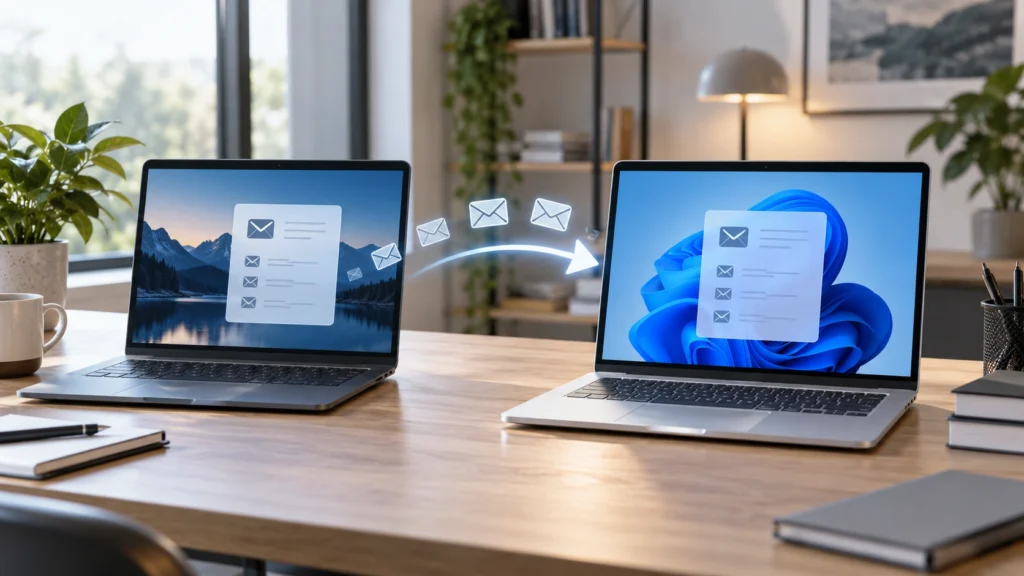
Use this checklist to move your email workspace to a new Windows computer without losing account structure, notifications, or shortcuts.
Read article →
Thinking of switching from Shift? Follow a practical checklist for setting up Gmail and Outlook in a dedicated desktop app without moving all your tools.
Read article →
Chrome profiles are free, but are they best for five inboxes? Compare browser profiles with dedicated Gmail and Outlook management on Windows.
Read article →
Learn four practical ways to use Gmail and Outlook together on Windows, from browser tabs and profiles to a dedicated multi-inbox desktop app.
Read article →
Managing five or more inboxes? Learn how business owners organize Gmail and Outlook identities, check priorities and avoid constant switching.
Read article →
Sending from the wrong Gmail or Outlook address is avoidable. Try practical sender checks, clear account labels and habits for multi-inbox users.
Read article →